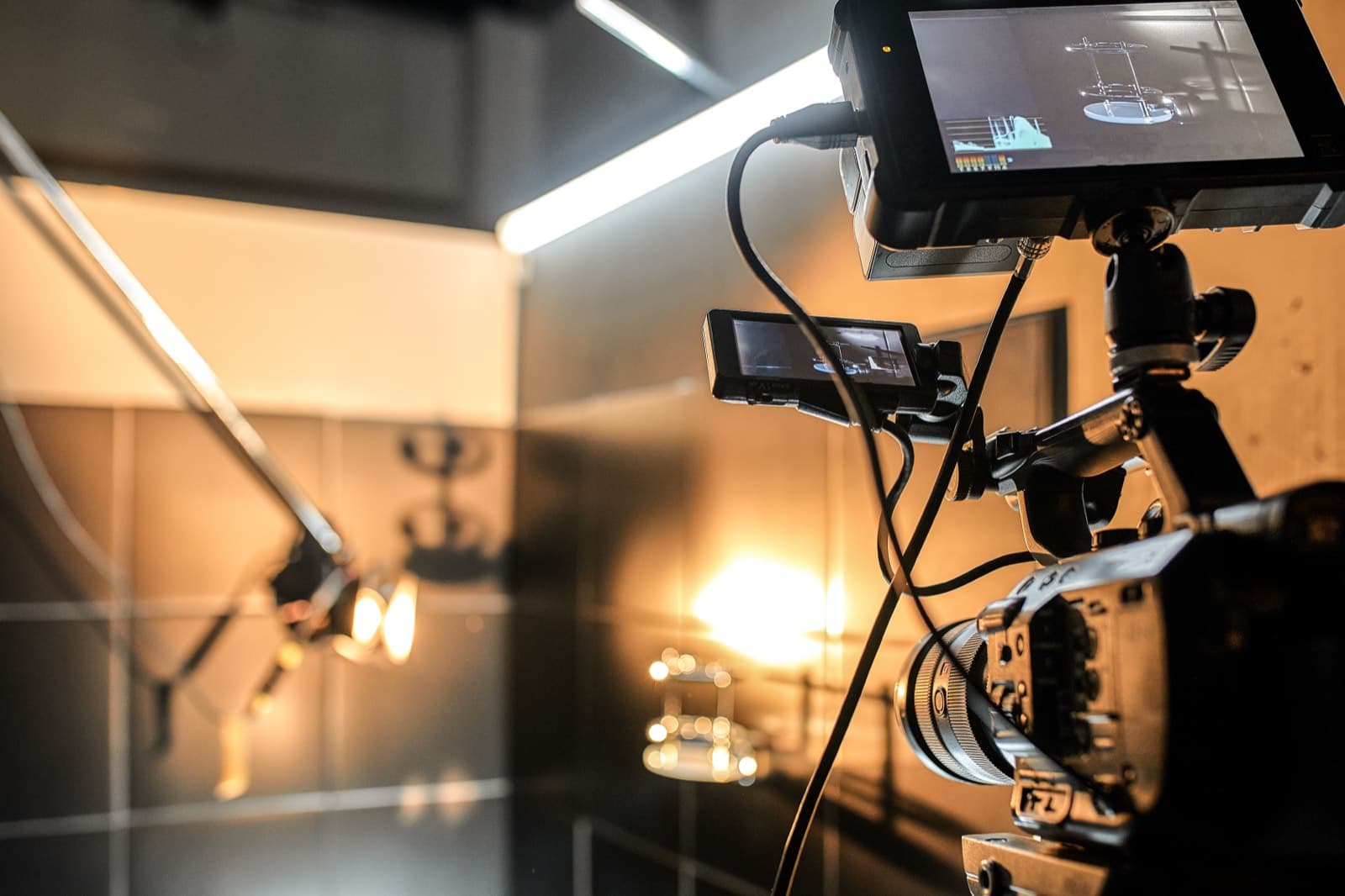
A playback system, not a mockup generator.
Glass Double runs the screen the camera sees and lets you drive it from off-camera — the difference between a still and a performance.
Drive the screen in frame
The prop plays on the real phone the camera sees. From a second device, you ring the call, reveal the next scripted text, or fire a notification — no actor or PA reaching into frame.
One GO button, hands-free
Build a cue sheet ahead of the take and step it live, or fire manual cues. Take after take, the beat lands on the same mark.
Works with no signal
Present and On-Set run offline, and you can pair the two devices directly over a set hotspot with no internet at all — so cueing works in a dead zone.
Camera-clean surface
The hero device fills the screen and waits: no cursor, no notifications of its own, screen kept awake for the length of a take.
Roll back between setups
Every take is snapshotted, so you can reset the prop to frame one instantly and match continuity across coverage.
Cueing questions, answered
How do you cue a phone screen on set?
Open the prop on the phone in frame in On-Set mode, then open the Operator console on a second device joined to the same session. Tap a cue — ring the call, reveal the next text, fire a notification — and it lands on the hero device instantly.
Does on-set cueing work without internet?
Yes. Present and On-Set playback work offline, and you can pair the operator and hero device directly over a shared hotspot with no upstream internet, so cueing works at a location with no signal.
Can one operator run a whole scene?
Yes — build a cue sheet of the scene's beats ahead of time and step through it with a single GO, hands-free, or fire manual cues as the moment calls for it.
What if a device dies mid-scene?
Every take is snapshotted and props sync to the cloud, so you can restore the exact scene state and reset to frame one quickly between setups.
Run your first scene free.
Open the Designer, build a prop and a cue sheet, then drive it from a second device — or compare plans for team cueing.